Several images,
one bundle.
Bundla removes the backgrounds from your product photos and merges them into a finished bundle image – ready for your store in seconds. No Photoshop, no design skills.
Try it yourself
Run the demo right here in the browser – no account, no uploads. Two product photos go in, one finished bundle image comes out.
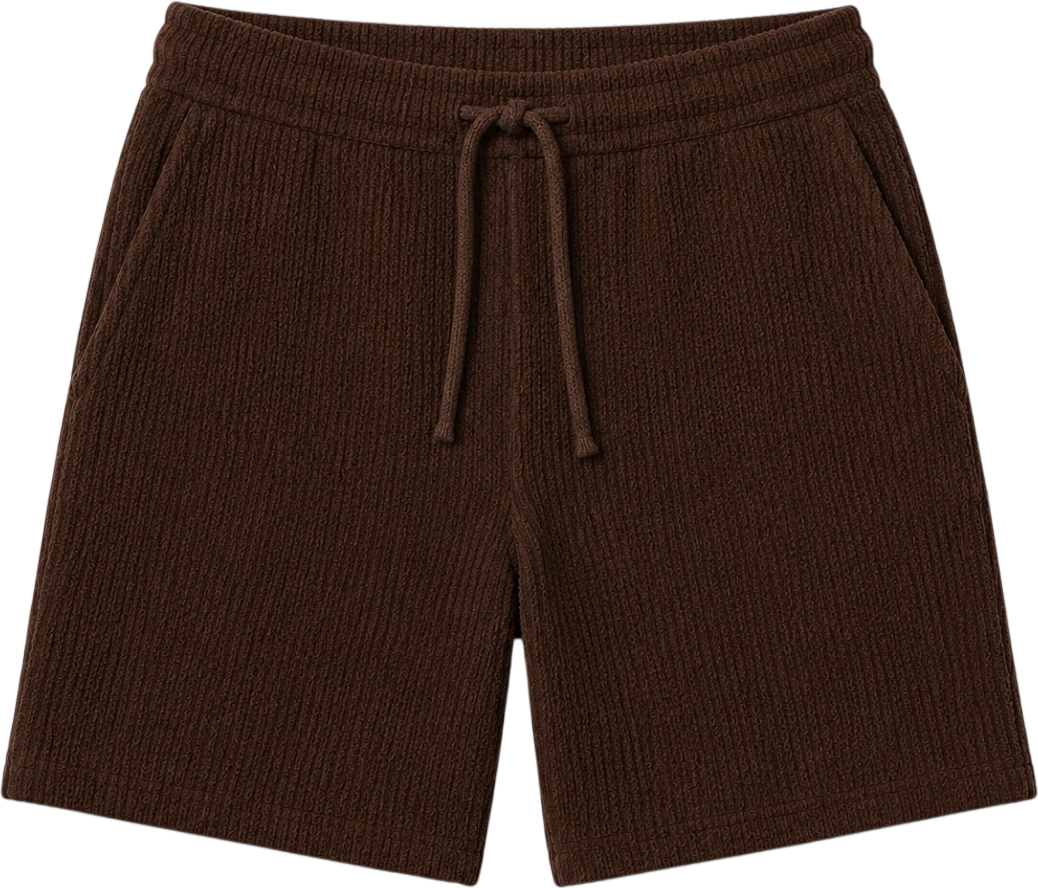
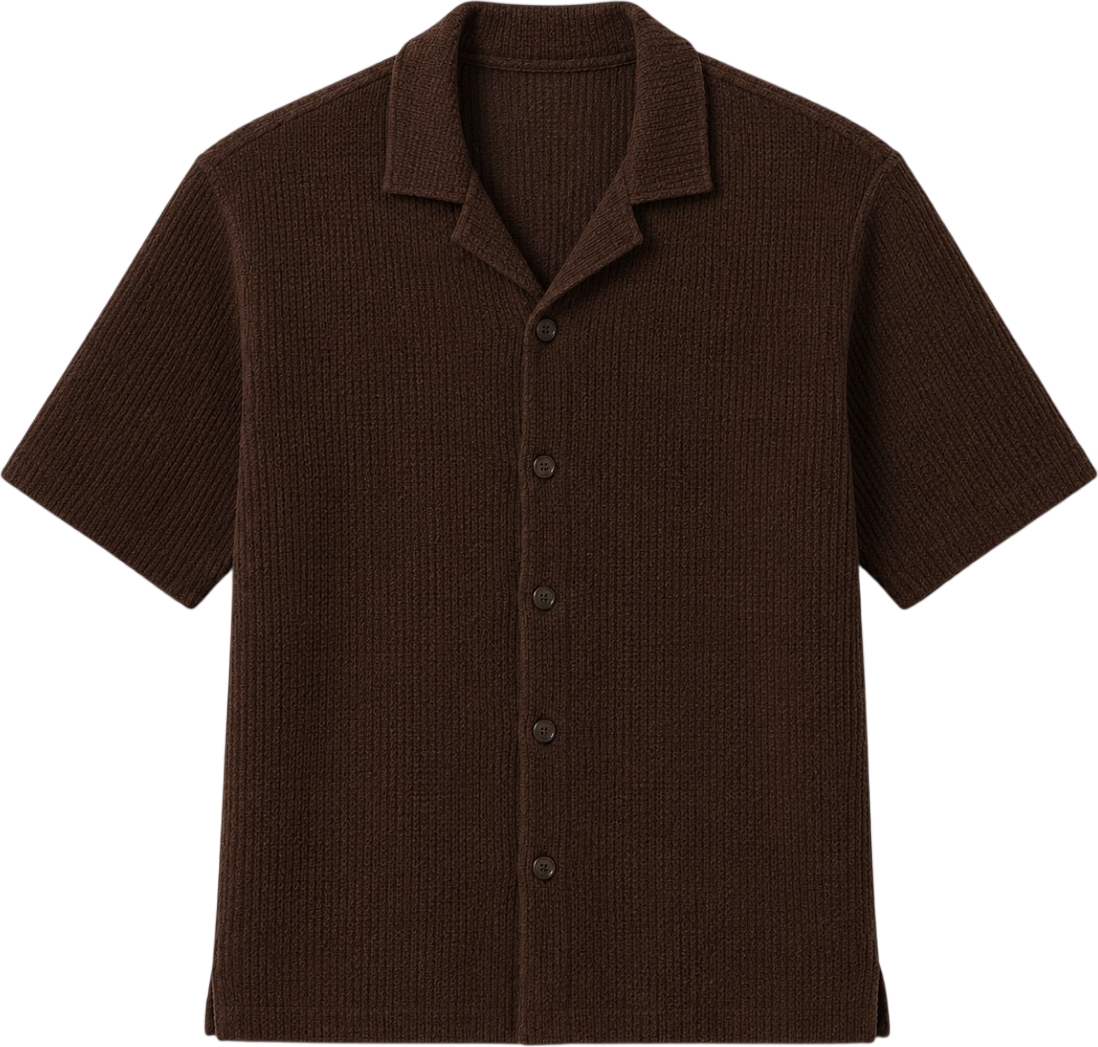
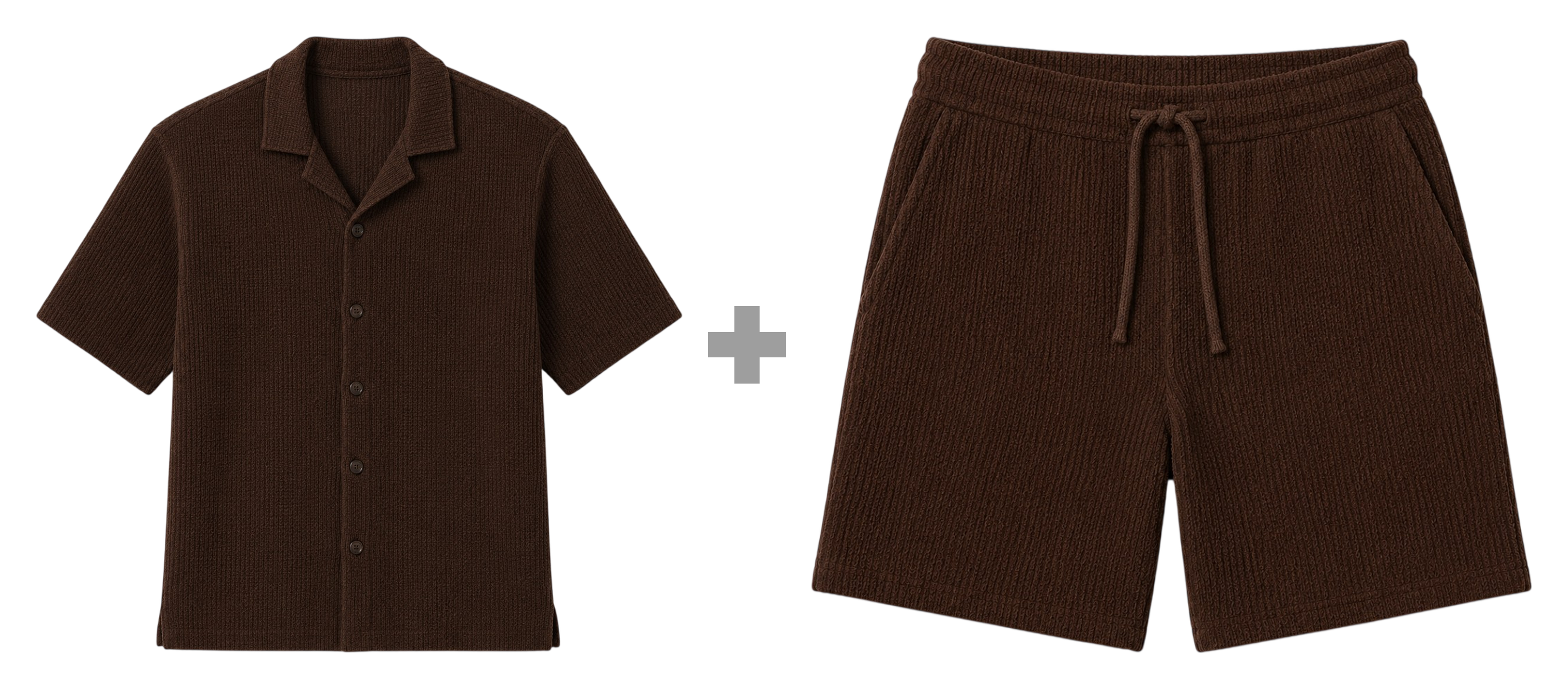
Your finished bundle appears here
Solutions
Remove the background from product images automatically
Remove the background from product photos automatically and get a clean, transparent PNG. No Photoshop, no layers. Done in seconds with Bundla.
Read more→Product bundle images for e-commerce in seconds
Create professional bundle images for your online store automatically. Merge your product photos into one finished bundle image with Bundla.
Read more→Combine multiple product images into one
Merge two product photos into a single image automatically. Background removal, even placement and PNG export – no Photoshop. Try Bundla.
Read more→Bundle images for Shopify and other e-commerce platforms
Create bundle images that fit Shopify, WooCommerce and other platforms. Clean PNG in the right format, no apps or Photoshop required.
Read more→What is a bundle image? A complete guide for e-commerce
A bundle image shows several products sold together in a single product photo. Learn what makes a good bundle image and how to create one.
Read more→Professional product images without Photoshop
Create professional product and bundle images without Photoshop or design skills. Drop in, remove backgrounds and export with Bundla.
Read more→Bundle images for agencies serving multiple clients
Produce bundle images for multiple e-commerce clients from one account, with a shared quota and multiple users. Bundla for agencies.
Read more→Campaign images for e-commerce – done before the meeting ends
Create campaign and promo images for sales, Black Week and multi-buy offers in seconds. Cut-out products, consistent layout, finished PNG.
Read more→Increase average order value with bundles – and images that sell them
Product bundles are a proven way to lift average order value in e-commerce. Learn why bundles need their own images and how to create them fast.
Read more→Frequently asked questions
What is Bundla?
Bundla is a web tool that removes the background from your product images automatically and merges them into a finished bundle image for e-commerce. No Photoshop or design skills needed.
What is a bundle image?
A bundle image is a product photo showing several products sold together as a package, for example shampoo and conditioner. The products are cut out and placed in one shared image, often with a plus sign in between, so the offer is understood instantly.
How do you create a bundle image?
With Bundla: drop in one photo per product, let the tool remove the backgrounds and place the products automatically, then export a finished PNG. The whole process takes under a minute and requires no image editing.
Does Bundla work with Shopify, WooCommerce and other platforms?
Yes. Bundla exports a regular PNG that you upload as a product image in any platform – Shopify, WooCommerce, Amazon and more. No app or plugin needed in your store.
Which file formats and sizes work?
You can upload PNG, WebP and JPG, up to 20 MB per image. The images don't need to be cut out beforehand – Bundla handles that.
Do I need to install anything?
No. Bundla runs entirely in the browser. Log in, drop in your images and export the result.
What does Bundla cost?
Businesses get a tailored account with a monthly image quota, multiple users and support. Get in touch and we'll set up an account for you.
Ready to make your first bundle image?
Log in, drop in two product photos and export a finished PNG in under a minute.